
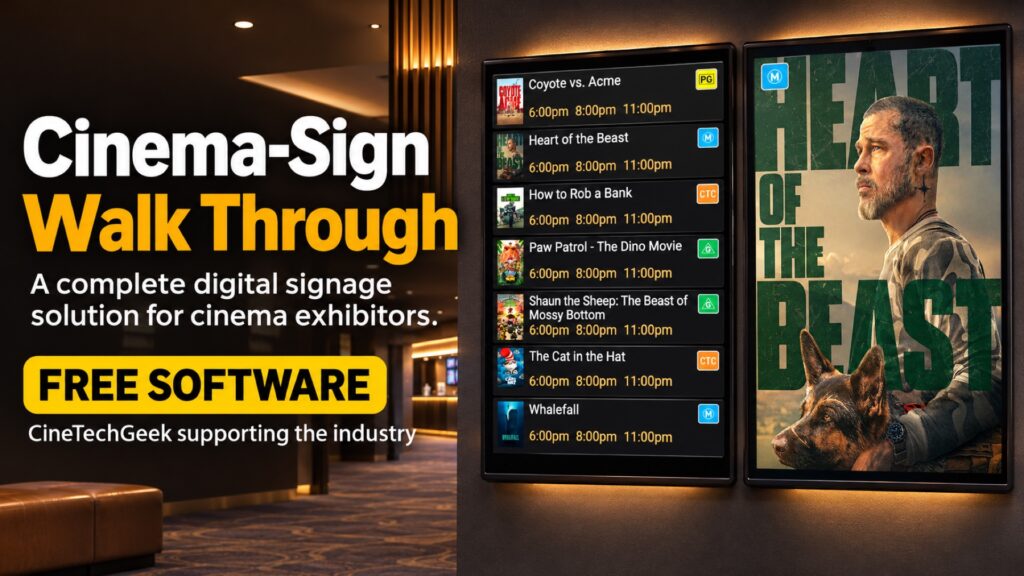
In this CineTechGeek walkthrough, I show how to use Cinema-Sign, free digital signage software for cinema exhibitors. Use Android TV screens to show session times at the box office, movie posters outside auditoriums, and trailers or advertising in the foyer.
Enter your cinema programme manually or connect a supported ticketing feed. You can manage the displays from a browser and choose what each screen shows.
Visit the Cinema-Sign page for the app download and illustrated manual.
If you build or maintain a cinema ticketing system, the CinemaShowtimes-JSON specification and examples explain how to share film and session data with tools like Cinema-Sign.
If you try Cinema Sign at your venue, let me know in the comments how you’re using it.
CineTechGeek supporting the industry.
[…] Learn more about Cinema-Sign and get the app. For a closer look at how it works, watch the Cinema-Sign walkthrough. […]