
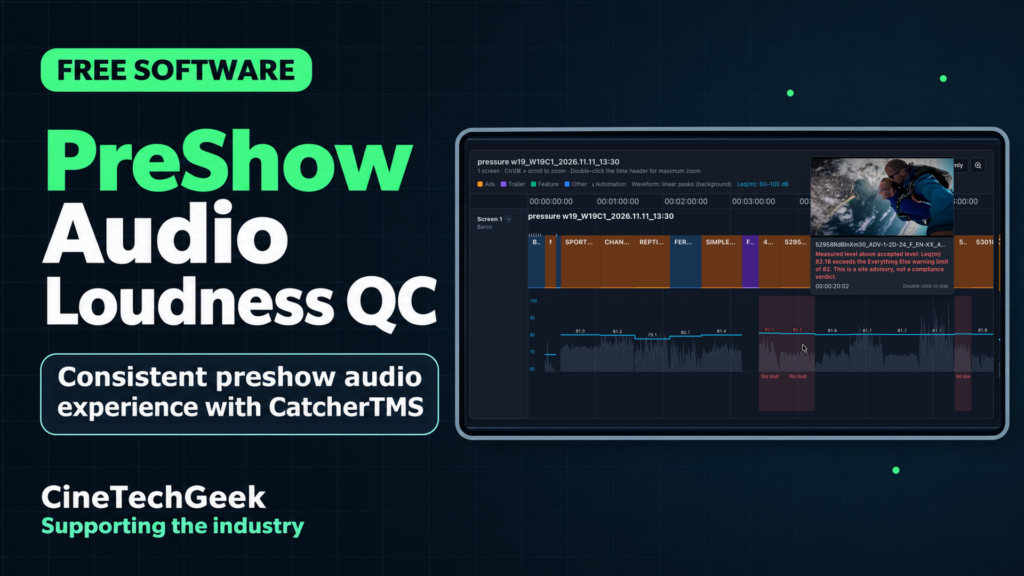
One unusually loud ad or trailer can spoil the preshow experience before the feature even starts. I built PreShow Audio Loudness QC into CatcherTMS so cinema operators can see where the loudness changes across a show and check the clips that stand out.
Check the playlist running on your cinema player
In the demo, I load a show playlist directly from the cinema player and zoom in on the preshow. CatcherTMS displays the waveform and Leq(m) loudness for each analysed clip and flags any that exceed the limits you’ve set for your venue. You can set different thresholds for ads and trailers, and preview individual clips to hear how they sound.
I also show how to ingest your preshow DCPs and enable audio analysis. The QC tool is free and available now. It can run alongside your existing theatre management system.
Get CatcherTMS
If you try it at your cinema, I’d love to hear what you find in your preshow.