
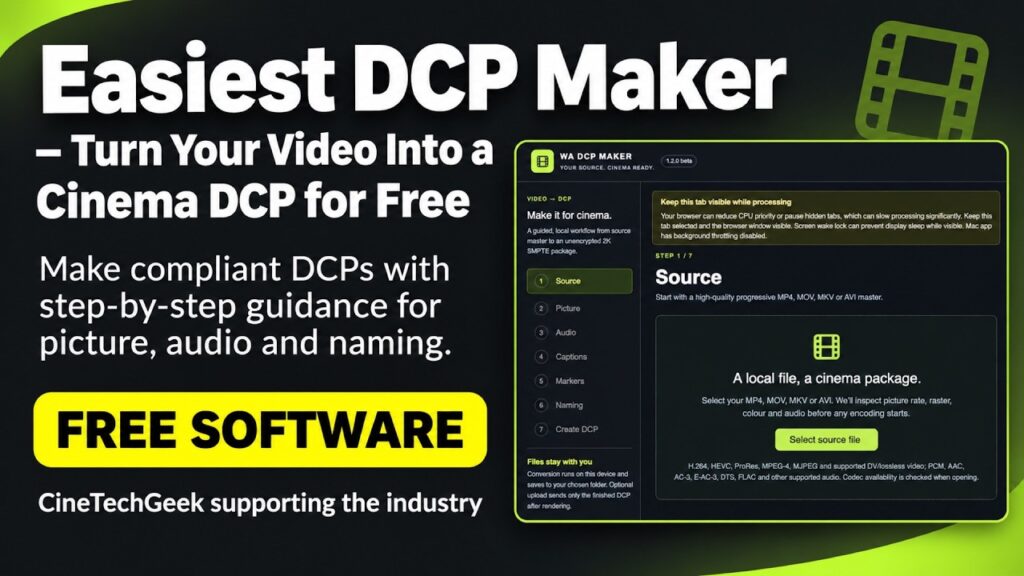
If you’ve ever needed to get an MP4 onto a cinema server, this walkthrough takes you from an HD source file to a 2K Digital Cinema Package (DCP) using WA DCP Maker, a free tool from D-Cine.net. The browser version processes the video on your own computer.
DCP Maker walkthrough
- Preview how the HD picture fits inside the cinema frame and check the framing before encoding.
- Upmix two-channel stereo to 5.1 and review the resulting audio.
- Measure the 5.1 mix in Leq(m), adjust the gain toward the cinema loudness target, then measure it again as a quality check.
- Use the embedded subtitles as open captions (OCAP) and preview where they’ll appear on the cinema screen.
- Review the settings and create the finished DCP.
Start with the highest-quality master you have. In the picture preview, check whether the framing leaves unused space or cuts off anything important. If you upmix stereo to 5.1, check the resulting mix and measure its loudness before setting the final gain. Preview captions against the picture to make sure they sit clear of titles and other on-screen text.
Try WA DCP Maker or watch the walkthrough on YouTube.
A separate WA DCP Player walkthrough is on the way. You can already use the Player to preview and inspect the DCP you’ve made.
If you manage a cinema preshow, the CatcherTMS loudness QC walkthrough shows how to check ads and trailers together in a cinema playlist.
[…] you’re preparing a new preshow clip, my WA DCP Maker walkthrough shows how to measure the output mix and adjust its level before creating the package. Once it’s […]